
Valheim Easy Server
Your own Valheim server on a spare PC or Mac. One button to start it, nobody touches a command line.
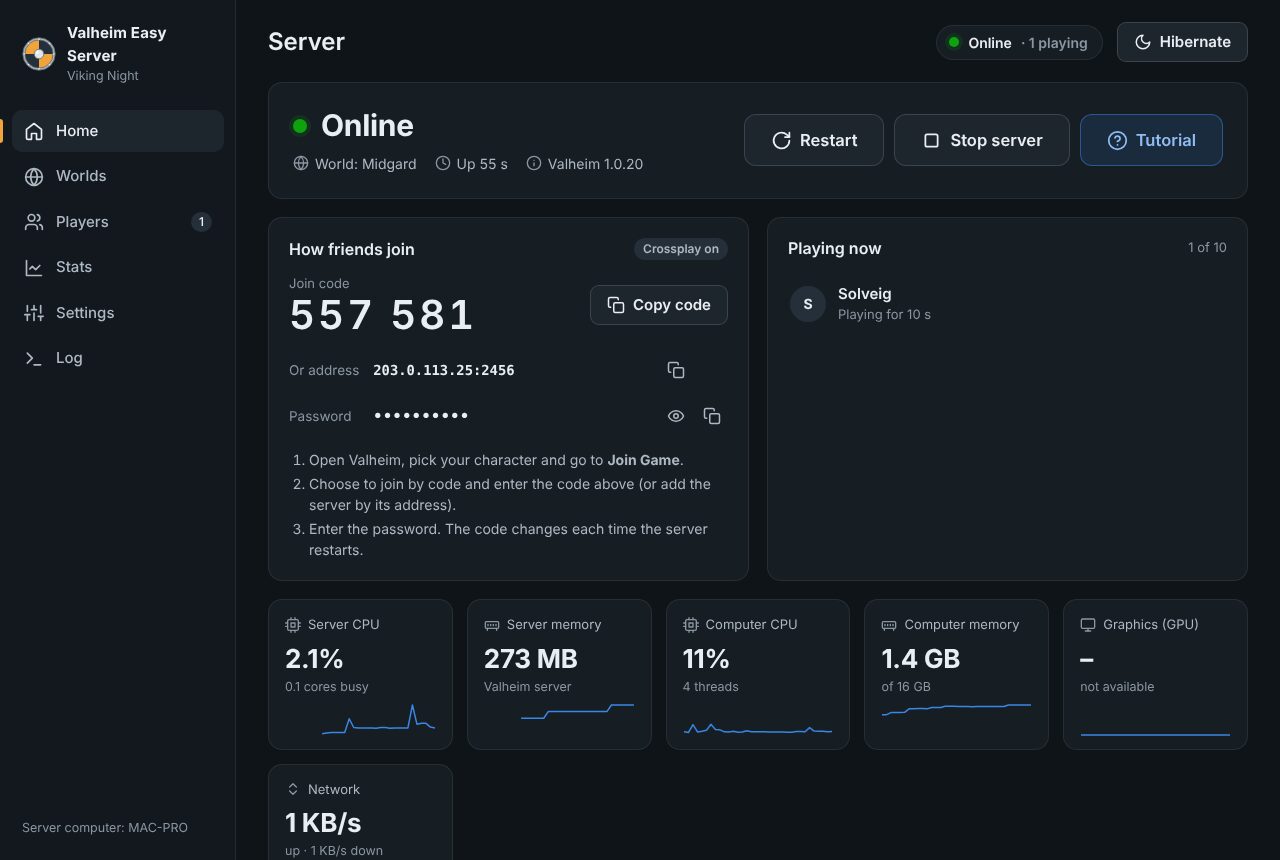
What it does
- Start and stop with one button. Stopping always saves the world first.
- How to join, always visible. The crossplay join code, the address and the password, with copy buttons. Crossplay codes work for Steam, Xbox, PlayStation, Switch and Game Pass players, with no router setup.
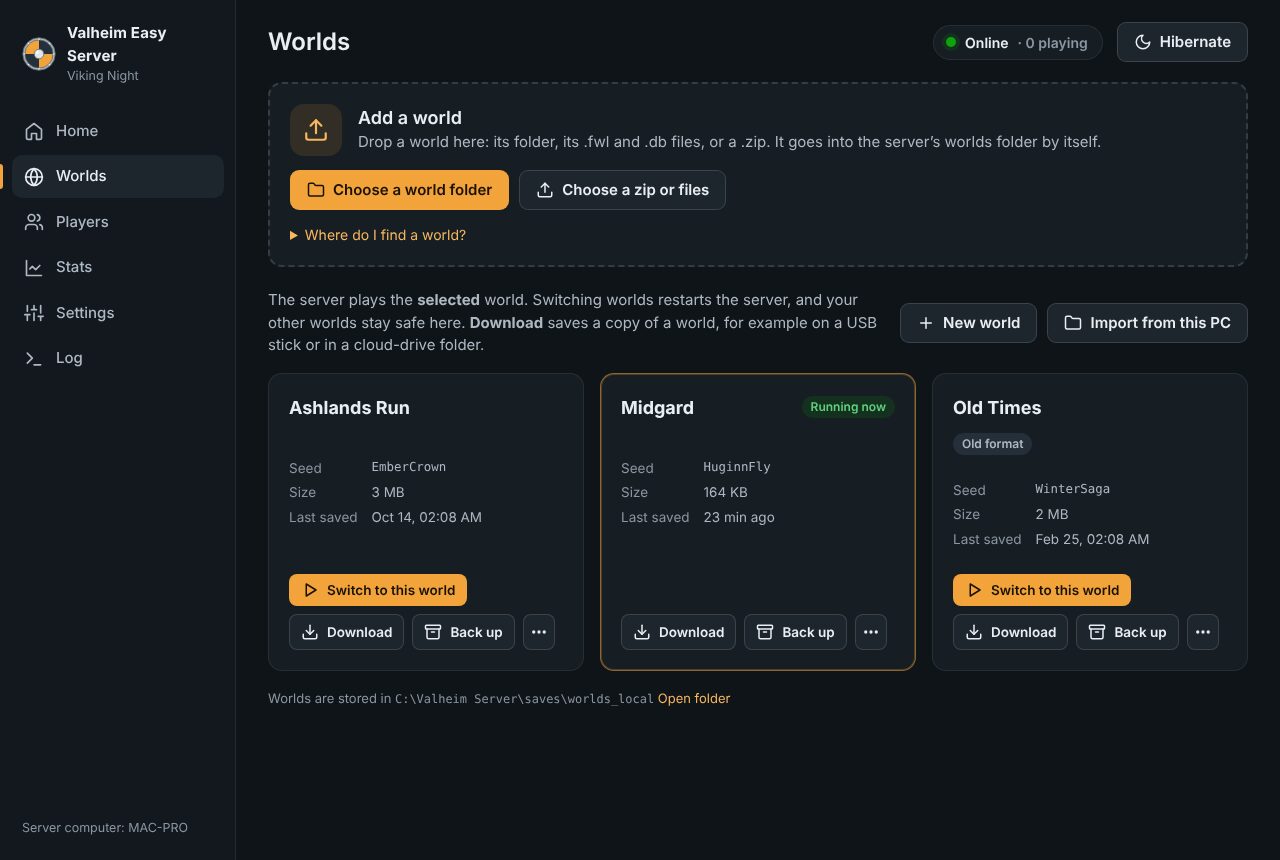
- Several worlds. Switch with one click, create new ones with Valheim's presets and modifiers, or drop an existing world onto the app to add it.
- Mods per world. Riverheim, More World Locations, Seasonality, Plant Everything and more, downloaded from Thunderstore and kept up to date. Players get a pop-up telling them what they need.
- Discord. Posts the join code in your channel when the server comes online, and friends can type
/valheimto wake the computer and start it. - Backups. Valheim's own and the app's, listed together. Restore or download any of them.
- Hibernate and wake. Saves, stops and hibernates (or sleeps) the computer; Wake-on-LAN brings it back and the server starts again.
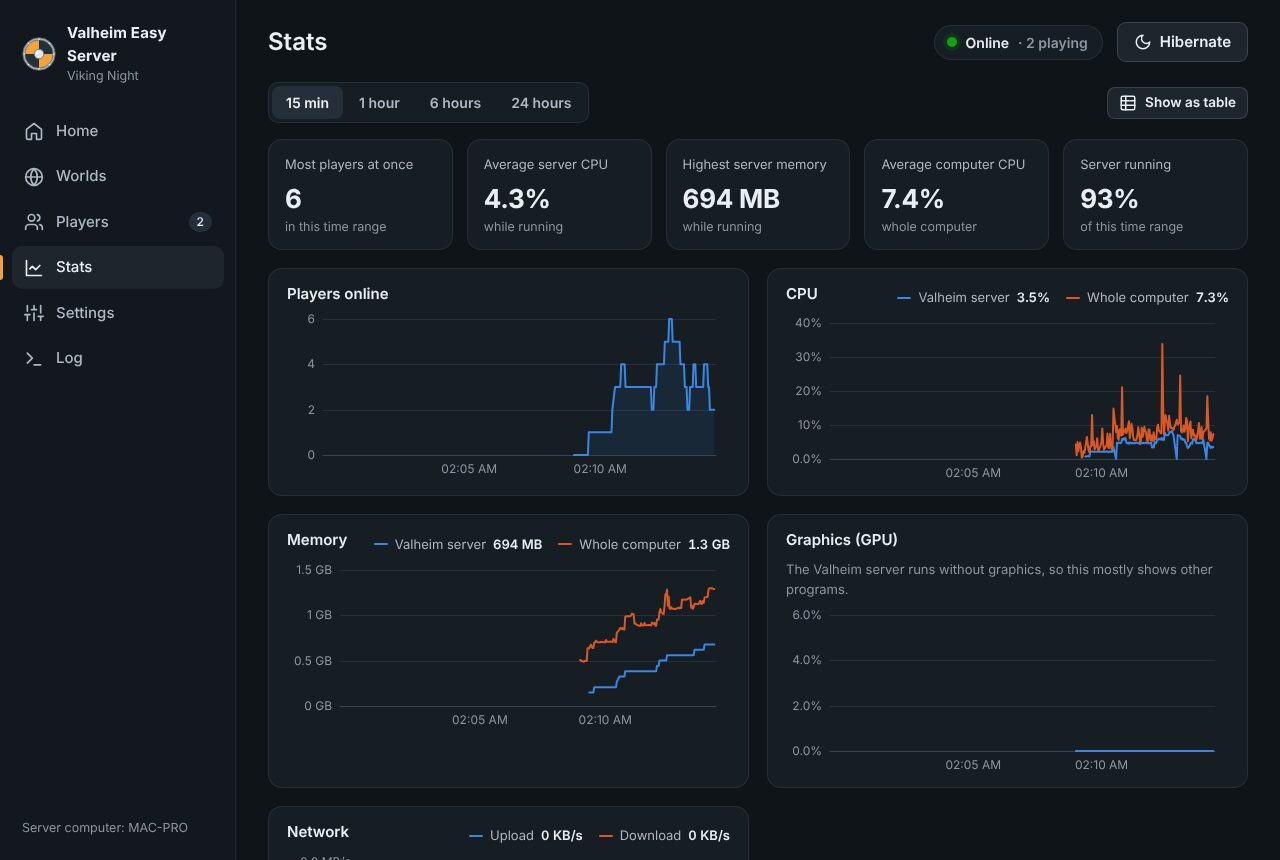
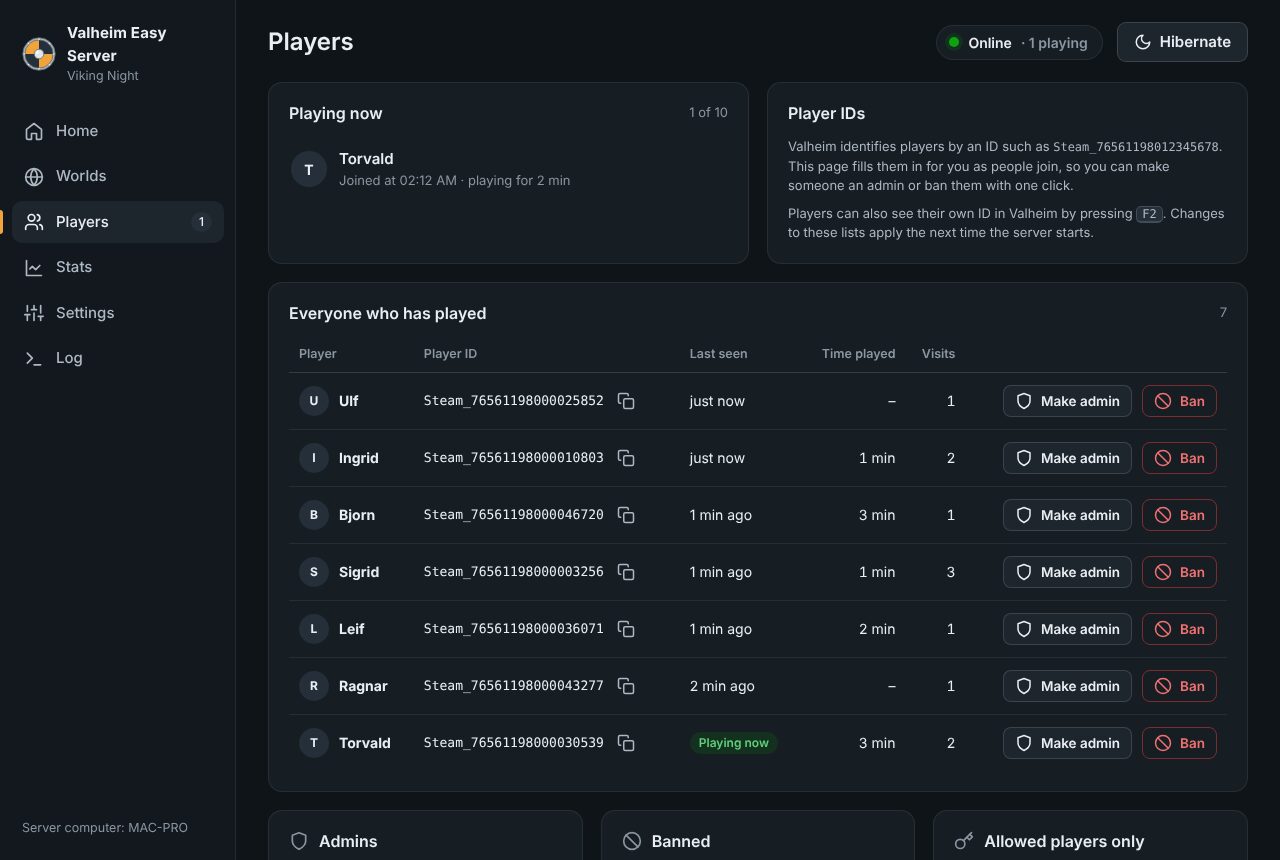
- Stats, players and records. CPU, memory, GPU and network use; who's online and for how long; who died the most and who lasted longest.
- Looks after itself. Updates the server through Steam before each start, restarts it after a crash, and updates the app itself from its GitHub releases.
Get started
- Download ValheimEasyServer-windows.zip (or -mac.zip) from the newest release and unzip it.
- Put it in a folder such as
C:\Valheim Serverand double-click it. On a Mac, drag it into Applications and open it. - Click Install the server, set a name and password in Settings, then Start server. When it says Online, friends can join.
Works on Windows, and on macOS 12 Monterey or newer (Intel or Apple silicon). The control panel only answers on the server computer itself, so there's nothing for strangers to reach. Valheim is a trademark of Iron Gate AB; this is an independent tool.