
Vdex
The production deck for people who film things for a living.
Vdex keeps your shoots, your crew, your camera gear, the places you film and your insurance in one place. On the day of a shoot it clocks your hours, prints your call sheet and tells you when the sun sets. Afterwards it makes the quote and the invoice.
Works on iPhone, Android and computers. No account to make, nothing to pay. Your information stays on your own device unless you choose to copy it somewhere.
What it does
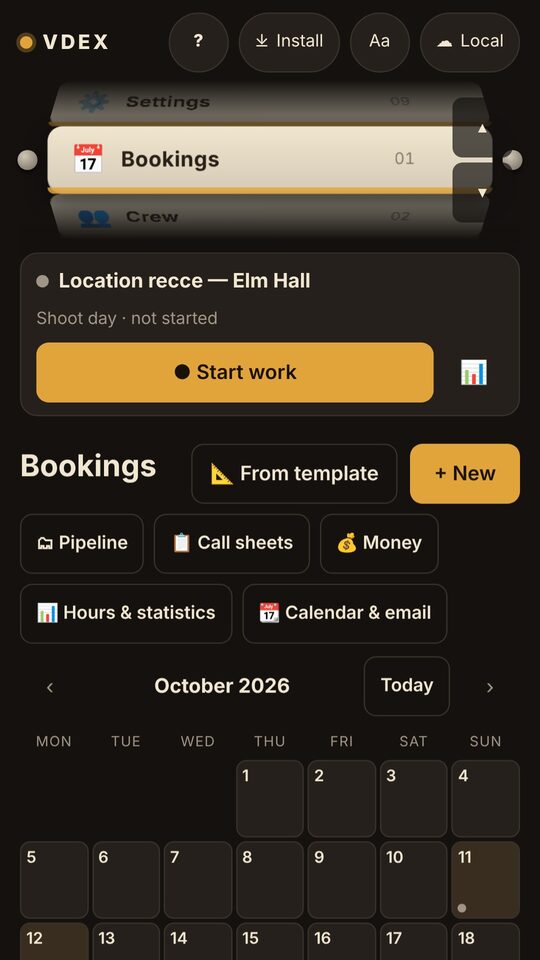
- Bookings. A calendar of shoots. Tap a day, then a shoot, to see everything about it: the client, the address, the crew and the kit you're taking.
- Crew, equipment, venues and insurance. The people you work with, everything you own with serial numbers and where each item is, the places you film with their rules and parking, and when your policies run out.
- The shoot-day clock. Tap Start work, Break and Stop work, and the hours are counted for you.
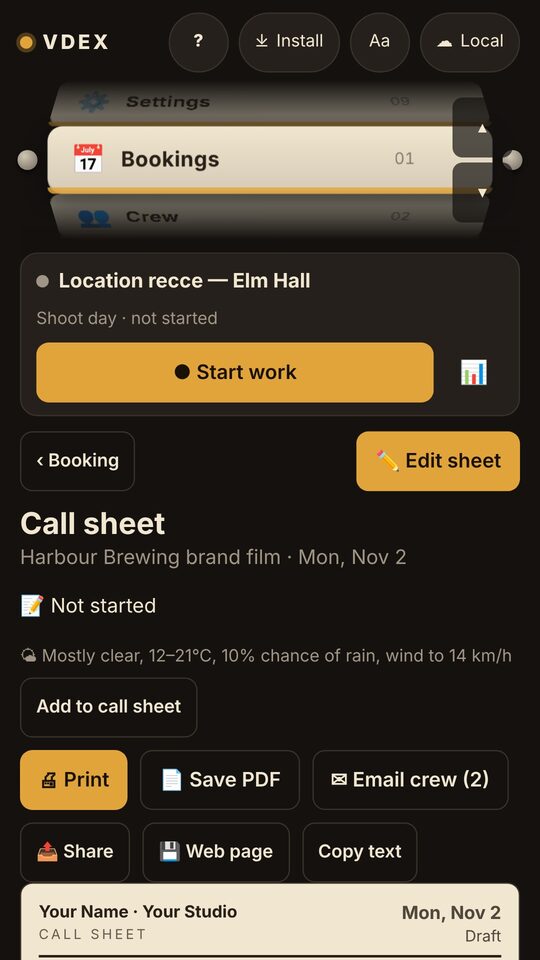
- Call sheets. Already filled in from the booking. Add the schedule, then email it to the crew or print it.
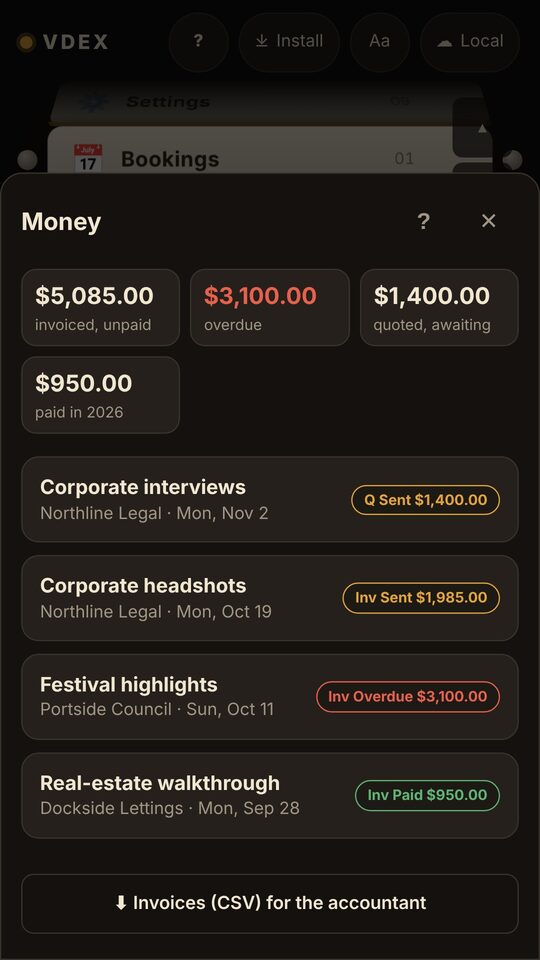
- Quotes, invoices and getting paid. Vdex suggests the lines from the shoot. Send the client a link that opens the invoice with Pay buttons, and record payments when the money arrives.
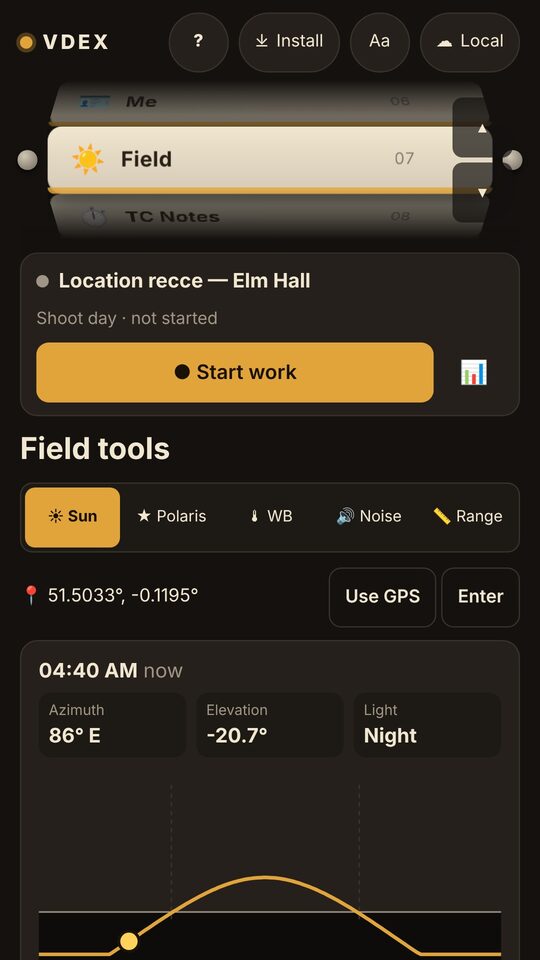
- Field tools. Sunrise and sunset, a white balance reader, a noise meter and a range finder.
- Timecode notes. Shoot notes stamped with the camera's timecode, with a start-to-finish guide on a practice log.
- Safe and in sync. Lock it with a PIN, fingerprint or face. Link Dropbox, Google Drive or OneDrive to share your information between your phone and your computer, with a daily backup.
Get started
- Open Vdex at thecrowbro.github.io/Logi-Video-Production-app-/.
- Put it on your home screen so it works like a normal app, even with no signal. iPhone: Safari's Share button, then Add to Home Screen. Android and computers: tap Install at the top of the page.
- Tap ? at the top of any page for a walkthrough of that page, box by box.